|
Specifics:
In this assignment you will use Photoshop to create two composite
narrative images. Create a new Photoshop file 13" wide by 19" tall at a resolution of
200 dpi, grey-scale mode (optional
Duotone mode). The resulting image
will be shown as an electronic projection on screen during critique
time. Your final image(s), be sure to save in .psd format, will be printed out using a
high-resolution printer (located in lab B at Landon). A second
version, saved in .jpg format, will be accessible from Internet when we
create a personal web portfolio (web site).
Part #2 -- Composite campus setting
(make the familiar unfamiliar)
-
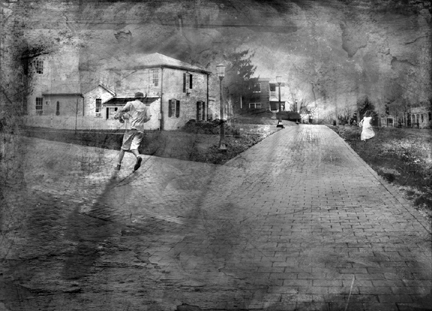
Utilizing imagery (buildings,
paths, people, equipment, trees, etc.) found on campus, create a
composite image that illustrates a new reality for the viewer.
Example: put the PAC next to the BAC and change the shape of the
buildings and surrounding area. Make the familiar unfamiliar,
but maintain a sense of realism in your final work.
-
Note: Please use grey-scale mode
(Duotone is optional). First, convert your source images into black
and white.
-
Click here
for great examples (http://www.davidadouglas.com/)
Specific grading criteria (for assignment #1):
-
Two final quality
images (printed out AND online version). Each image
should include at least three, or more, layers.
-
Incorporate
a variety of personal imagery into part I and create inventive
combinations in part II.
-
Each image should
include two or more applied filters and/or effects/textures.
-
All images should
demonstrate superior craftsmanship (no jagged edges, blown-out
details, etc.).
-
Correct size,
resolution, and format (13 x 19 inches, 200 resolution, .psd format)
-
All compositions should
successfully create the illusion of depth (be sure to change the
value and scale of certain objects in order to achieve an added
sense of dimension.
Samples
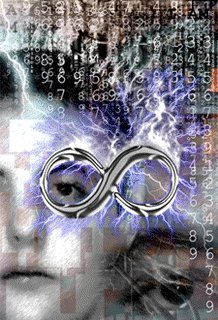
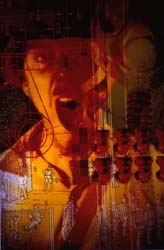
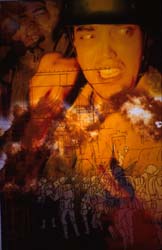
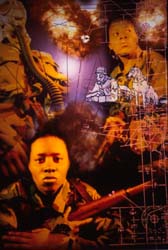
for part #1:
|